Starter Pro · Interactive demo
Explore the product. Build your own.
Create a project, try team workflows and make the interface yours. Experience the SaaS foundation before choosing the source code.
No signup. No credit card. Your own private workspace.
Workspace overviewSample data
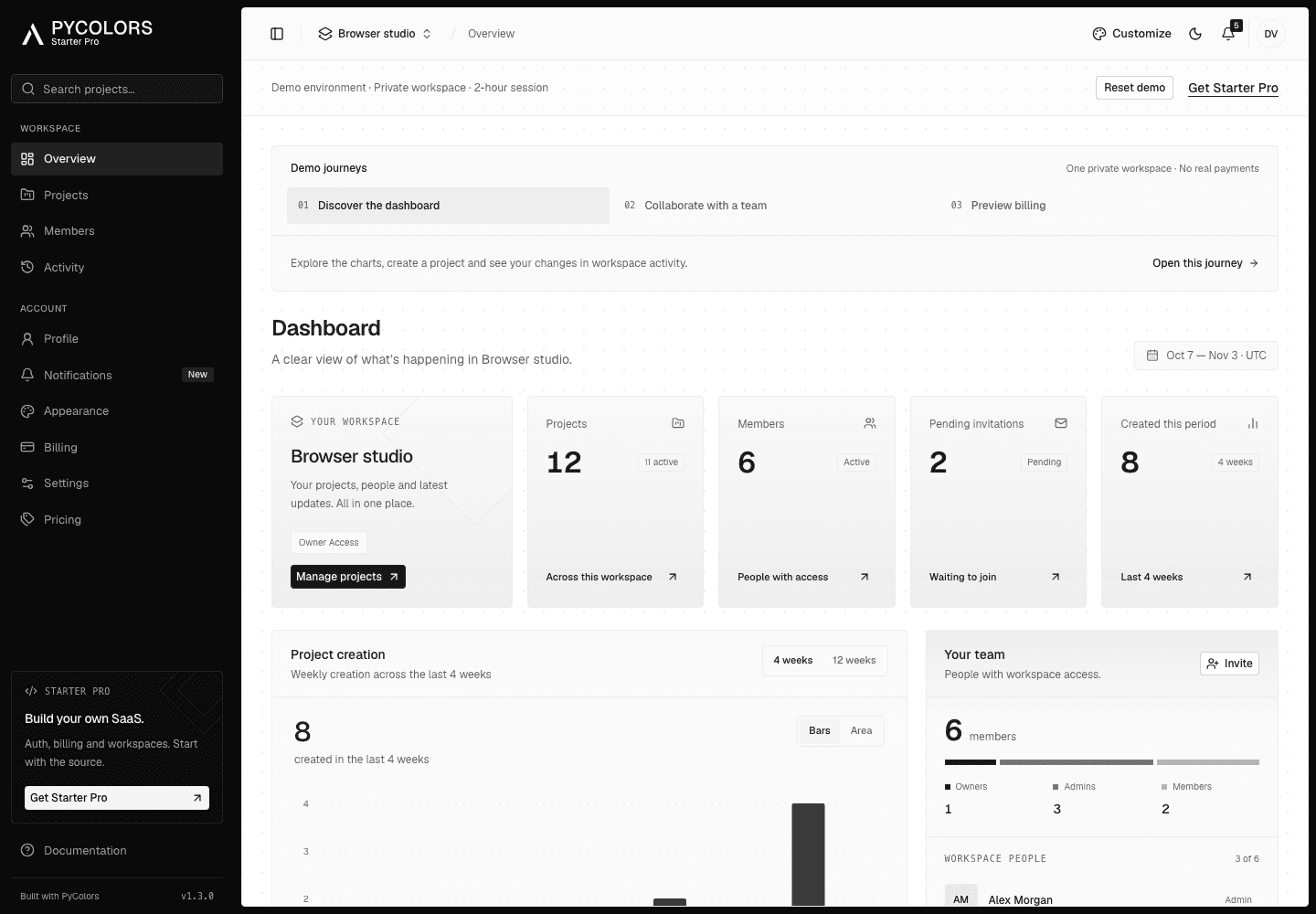
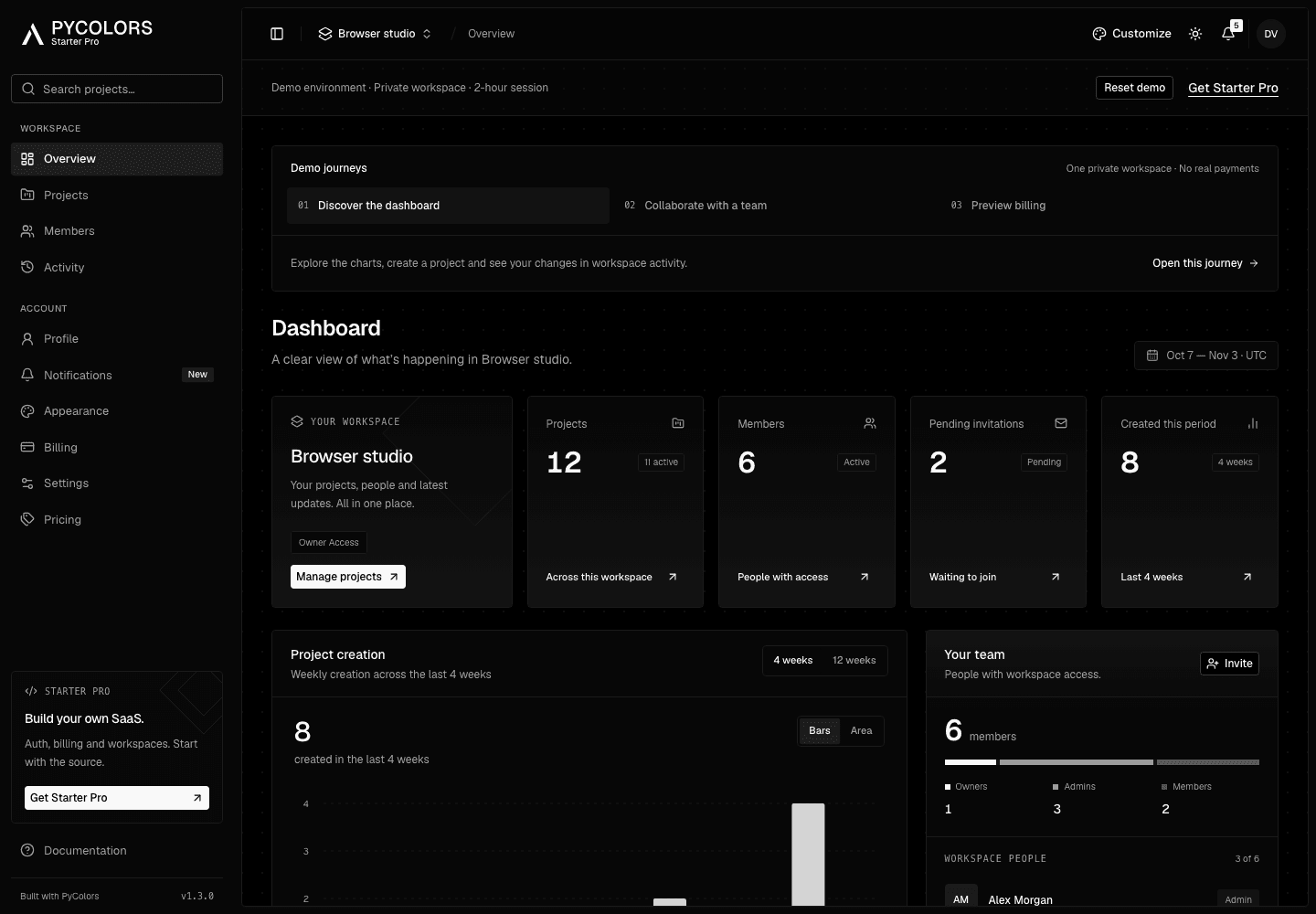
Explore at your pace
Three ways to try it.
One private workspace. Switch journeys anytime.
Your session lasts two hours. Use fictitious information only. Invitations and billing are simulated; no email or payment is sent. Expired data is removed automatically.
From demo to your product
The foundation behind this demo.
Starter Pro includes the source code, connected SaaS workflows and setup guides. Explore what is included and choose the right starting point for your product.
Get Starter Pro
Source code licence. Separate from the simulated plans in this demo.